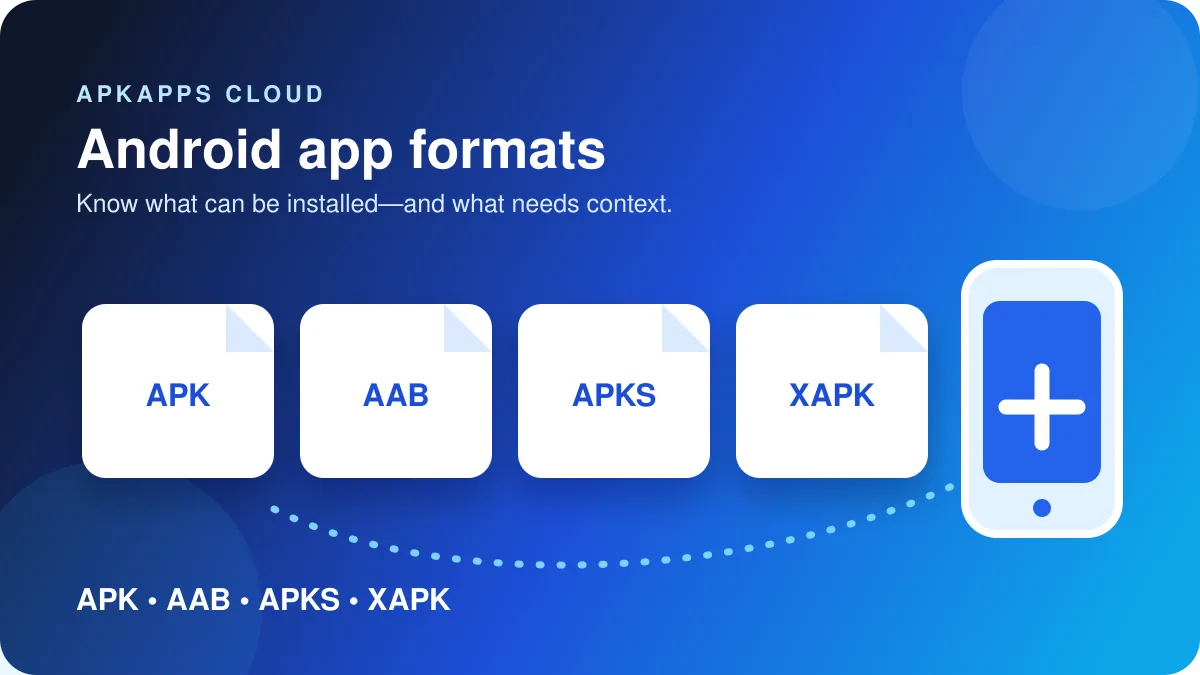
APK, XAPK, APKS and AAB describe different stages or containers in Android app delivery. An APK is the standard installable Android package. An AAB is primarily a publishing bundle used by stores such as Google Play to generate device-specific APKs. An APKS file is an archive of APKs commonly produced by bundletool. XAPK is not an official Android package format; it is a third-party container that may bundle an APK with split packages or extra assets.
The distinction matters because a file can look complete in a downloads folder while still being unusable by Android’s normal package installer. If the package was built from an app bundle, one phone may need a different set of split APKs than another.
Quick comparison
| Format | What it usually contains | Directly installable by Android? | Main risk when handled incorrectly |
|---|---|---|---|
| APK | One Android application package | Usually yes | Wrong signature, version, architecture or Android requirement |
| XAPK | Third-party archive containing APK files and sometimes assets | No standard Android support | Incomplete extraction or untrusted installer requirements |
| APKS | Archive containing a base APK plus configuration or feature APKs | Not as one file through the normal installer | Installing only the base APK can leave required splits missing |
| AAB | Publishing bundle with compiled code and resources | No | Treating a publishing file like a ready-to-install package |
APK: the package Android can install
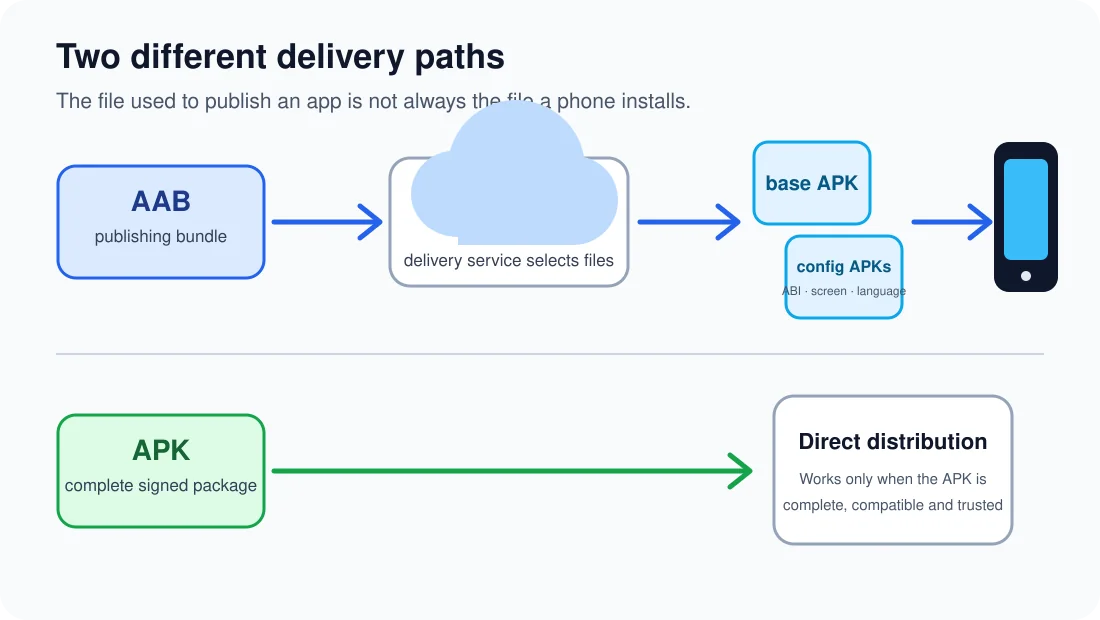
An APK is the package Android ultimately installs. A traditional app may be distributed as one universal APK containing resources for many supported devices. Other apps are delivered as several APKs that work together. The filename alone does not tell you whether the package is universal, device-specific or part of a split installation.
Before installing a standalone APK, check the app’s source, Android requirement, package identity and signing history. If the same app is already installed, a replacement APK normally has to match the installed app’s signing identity and use an acceptable version code. A file with the right app name can still be rejected if either condition is wrong.
AAB: a publishing format, not a phone installer package
Google describes the Android App Bundle as a publishing format containing an app’s compiled code and resources. Google Play uses the bundle to generate optimized APKs for each device configuration. That is why two phones can download different components while both appear to install the same app.
An AAB is therefore not the Android equivalent of double-clicking an installer. Converting or rebuilding a bundle correctly requires tooling that understands the app’s modules, configuration splits and signing process. A random AAB-to-APK website is not a trustworthy substitute for the developer’s own signed distribution.
APKS: a bundle of APKs that belong together
Bundletool can generate an APK set containing a base package plus configuration APKs for factors such as processor architecture, language and screen density. The resulting .apks file is an archive rather than one ordinary APK.
This explains a common failure: someone extracts a set and installs only the file named base.apk. Android Developers documents that partial sideloaded installations missing required split APKs fail on Google-certified devices and on devices running Android 10 or higher. The safe response is not to keep forcing the base package; obtain the complete set intended for the device or use the app’s supported store distribution.
XAPK: useful label, but not an Android standard
XAPK is used by some third-party distribution services for archives that combine an APK with additional APKs or assets. Android itself does not define XAPK as a platform package format. That means the exact contents and expected installation method depend on whoever created the archive.
Treat an XAPK as an unknown container until you inspect its source and purpose. Do not disable device protections merely because a third-party installer says they are inconvenient. If an archive requires broad accessibility, device-admin or file-access permissions just to unpack an app, stop and verify why.
How to identify what you actually have
If the file ends in .apk, first determine whether it is intended as a standalone build or one member of a split set. If it ends in .aab, regard it as a developer publishing artifact rather than an end-user installer. If it ends in .apks, expect multiple APKs inside. If it ends in .xapk, remember that the label is third-party and inspect the archive’s origin before trusting an installer.
When installation fails, do not immediately clear app data or uninstall the existing copy. Those actions can remove local information without fixing a packaging problem. First check the package format, Android version, CPU architecture, signature and whether required split APKs are present.
Sources and further reading
Android Developers: About Android App Bundles
Android Developers: bundletool
Related APKApps Cloud guides
Continue with Android says “App not installed”, checking Android version and CPU architecture, or why Google Play can send different APKs to two phones.