
Why an Android App Opens Links in the Browser Instead of the App
Android App Links depend on verified domains, signing fingerprints, user defaults and URL rules. Learn why an installed app may still send links to Chrome or show an app chooser.
Android App Links depend on verified domains, signing fingerprints, user defaults and URL rules. Learn why an installed app may still send links to Chrome or show an app chooser.

Android 15 introduced 16 KB page-size devices, exposing old native libraries that were built for 4 KB assumptions. Learn why an APK can install successfully yet crash only on certain newer phones.

Android developer verification adds a new install gate in 2026. Learn where enforcement applies, how it differs from APK signing and unknown-app permission, and why the same APK can install on one…

The “made for an older version of Android” warning can involve targetSdk, minSdk, Android install rules or Google Play policy. Learn which compatibility layer is actually blocking the app.
Android compares the internal versionCode when deciding whether one APK is newer. The visible versionName can say v10 while the package still counts as an older build.
Android uses app signing identity to protect updates. Two APKs can show the same app name and package identifier but still be unable to update each other when their signing relationship differs.
Google Play can generate different APK sets for two phones from the same Android App Bundle, matching each device’s architecture, language, screen density and features.
Google Play can hide or block an app because of Android version, hardware requirements, developer device targeting, country availability, certification or other compatibility rules.

App compatibility depends on more than the Android version shown in Settings. Learn how OS level, CPU architecture, device features and package type combine.
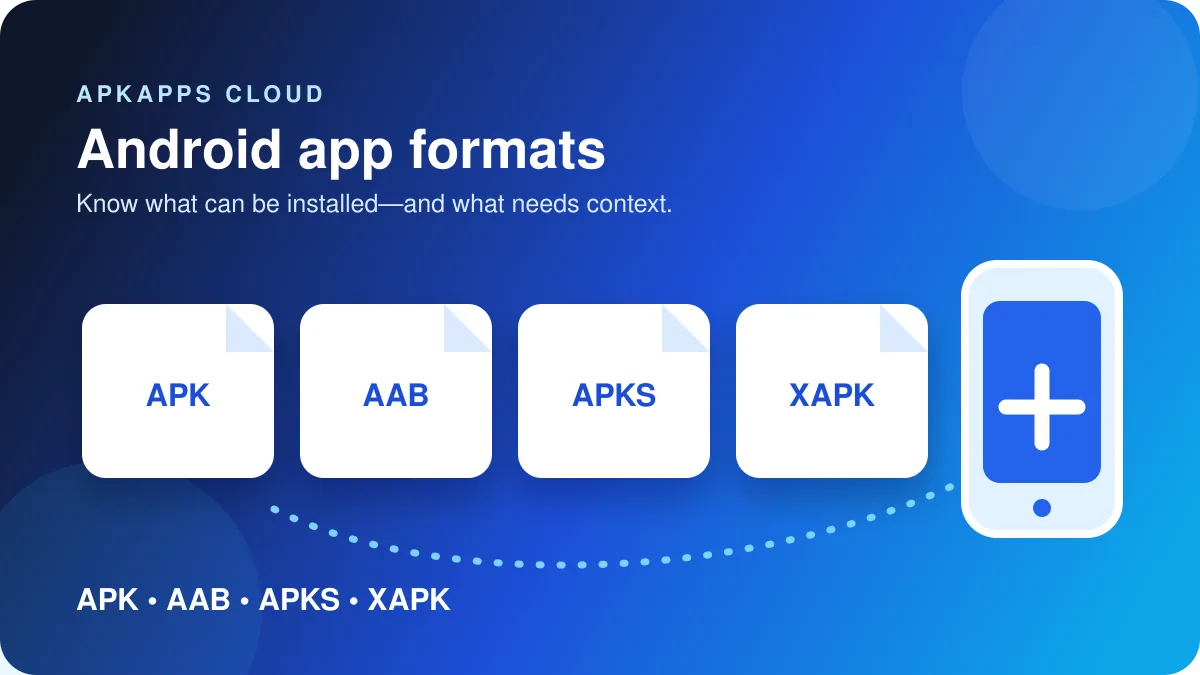
APK, XAPK, APKS and AAB are not interchangeable. Learn which formats Android installs directly, which are containers, and why missing split packages cause failures.