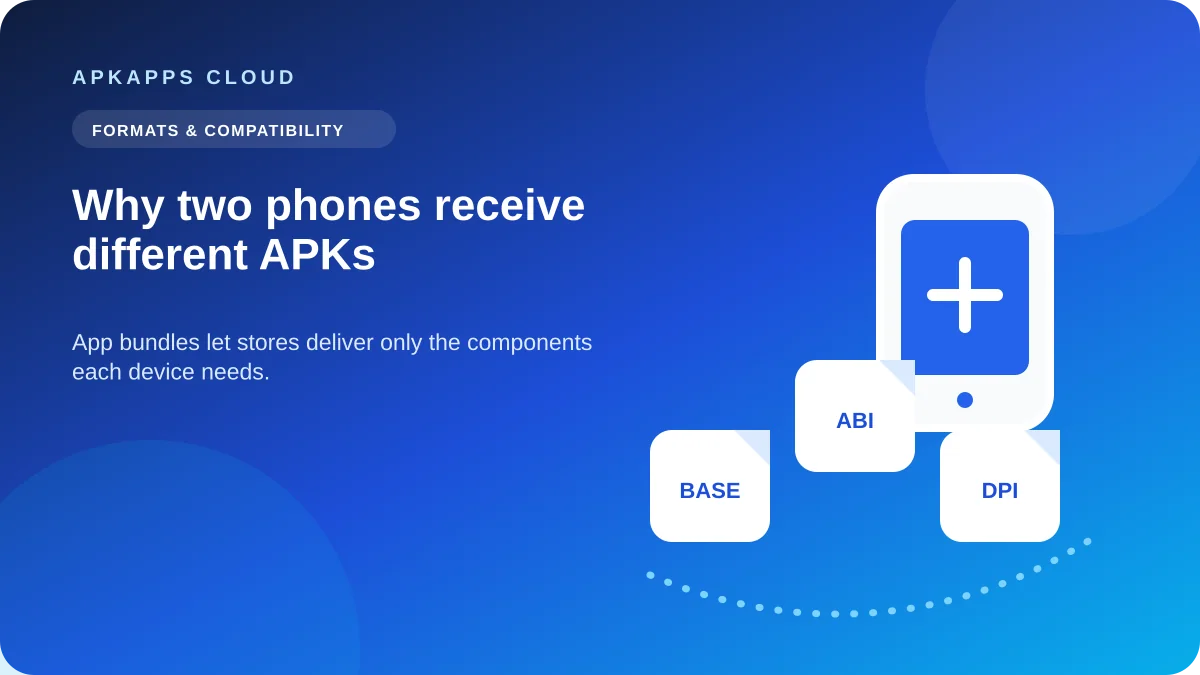
Two Android phones can install the same app from Google Play and still receive different APK files. That is normal. When a developer publishes an Android App Bundle, Google Play can generate an optimized set of APKs for each device instead of sending one large universal package to everyone.
The differences can reflect processor architecture, screen density, language resources, device features and optional app modules. This is one reason copying APK files from one phone to another is not a dependable replacement for installing through the app’s supported distribution channel.
The app name stays the same while the delivery changes
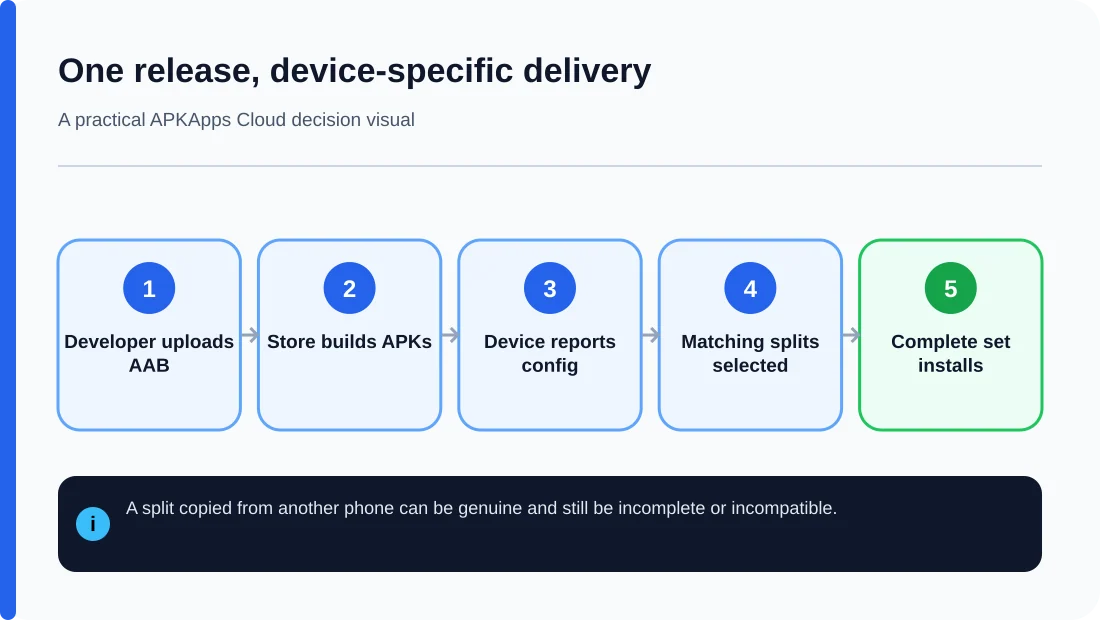
To the user, both phones show the same app icon, package name and version. Underneath, Play may supply a base APK plus one or more configuration APKs selected for that device. A 64-bit ARM phone may receive different native libraries from a device using another supported architecture. A phone set to different languages may also receive a different resource split.
The app is still one product. The optimization happens at delivery time so each device does not need to download every resource built for every supported configuration.
Why Android App Bundles make this possible
An Android App Bundle is a publishing format containing an app’s compiled code and resources. Google Play processes that bundle and generates APKs for supported device configurations. The developer uploads the bundle; users receive installable APKs produced from it.
This distinction matters when troubleshooting because an AAB itself is not the file your phone normally installs from Play. The installable result can be several coordinated APKs rather than one universal package.
What can vary between two phones?
| Configuration | Why Play can vary the APK set | What goes wrong if you copy the wrong part |
|---|---|---|
| CPU architecture | Native libraries may be built for ARM64, ARMv7 or another ABI | Install can fail or native code can crash |
| Screen density | Different image resources can be selected | Required resources may be missing from a partial set |
| Language | Only selected language resources may be delivered | Copied set may omit language resources expected on another device |
| Dynamic feature | Optional modules can be delivered separately | A copied base package may not reproduce the full installed feature set |
Why copying installed APKs can be incomplete
If an app was delivered as multiple APKs, an extractor may save the base APK while missing configuration or feature splits. The filename can look perfectly valid, but the package set is incomplete. Android Developers documents that partial sideloaded installations missing required split APKs fail on Google-certified devices and on devices running Android 10 or higher.
That is different from a damaged download. The base APK may be intact; it simply was never meant to represent the complete installation by itself.
Universal APKs trade size for simplicity
A universal APK can include resources and native libraries for several configurations in one file. It is usually larger because it carries material that a particular device may never use. The benefit is that one package can support more configurations without coordinating a split set.
“Universal” still does not mean compatible with every Android device. Minimum Android version, required hardware, signing identity and other app requirements still apply.
What this means for manual updates
If the installed app came from Play and a manual update comes from another source, confirm that the replacement is a complete package for your device and that its signing identity matches the installed app. A matching version name is not enough. Mixing a base APK from one release with splits from another is also unsafe.
If Android rejects the update, do not uninstall the working copy first. That can erase local data while leaving the real package mismatch unresolved. Record the exact error and check package completeness, signature and version code before considering a clean install.
When two phones should not be expected to share the same APK
Different device models, Android builds and hardware can legitimately receive different APK combinations. The safest assumption is that an extracted package from Phone A is not automatically suitable for Phone B unless you have verified its architecture, splits and version.
This is also why file size alone is not a reliable way to compare app versions. One phone may download a smaller optimized set while another receives additional resources.
Sources and further reading
Android Developers: About Android App Bundles
Android Developers: bundletool
Related APKApps Cloud guides
See APK vs XAPK vs APKS vs AAB, how to check CPU architecture and compatibility, and our ordered “App not installed” checklist.