How to Check Whether an Android App Really Works Offline
‘Works offline’ can mean very different things. Test launch, viewing, editing, search, export, sign-in and sync separately before trusting an app without internet access.
‘Works offline’ can mean very different things. Test launch, viewing, editing, search, export, sign-in and sync separately before trusting an app without internet access.
Android’s selected-photo access can be narrower and temporary. An app may need you to choose the same photo again after its earlier URI access is revoked or the process ends.
Saving an APK preserves an installable package, not the private databases, settings, authentication state, downloads or cloud records the app created after installation.
Android uses app signing identity to protect updates. Two APKs can show the same app name and package identifier but still be unable to update each other when their signing relationship differs.
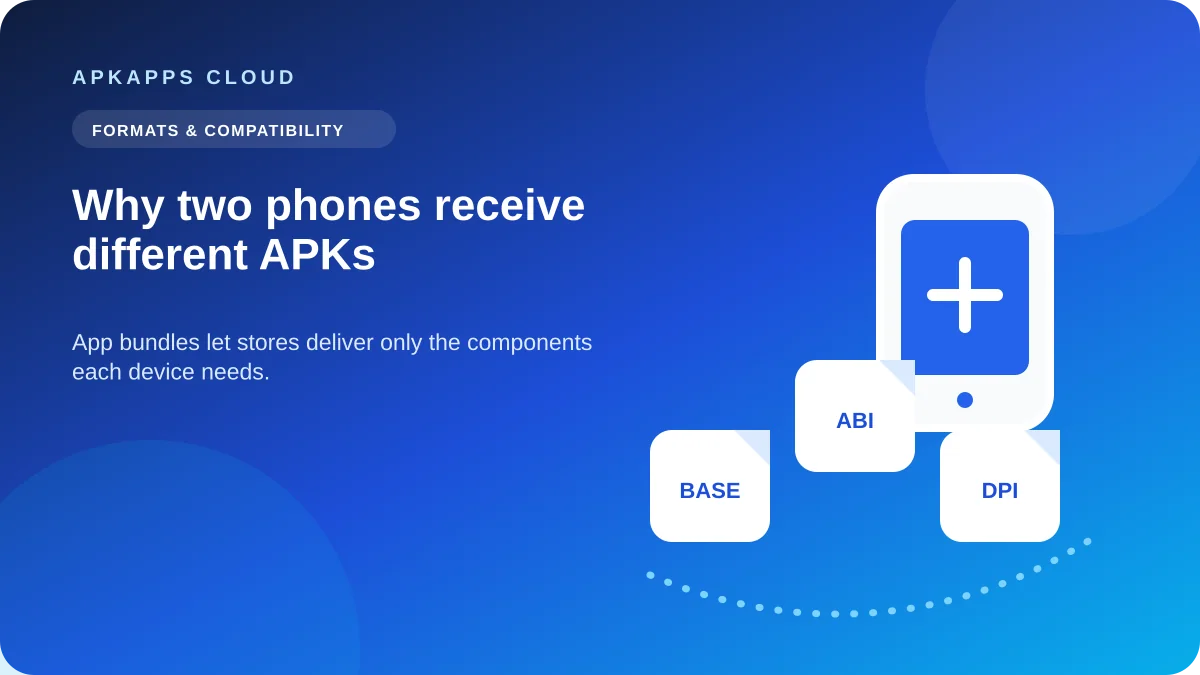
Google Play can generate different APK sets for two phones from the same Android App Bundle, matching each device’s architecture, language, screen density and features.
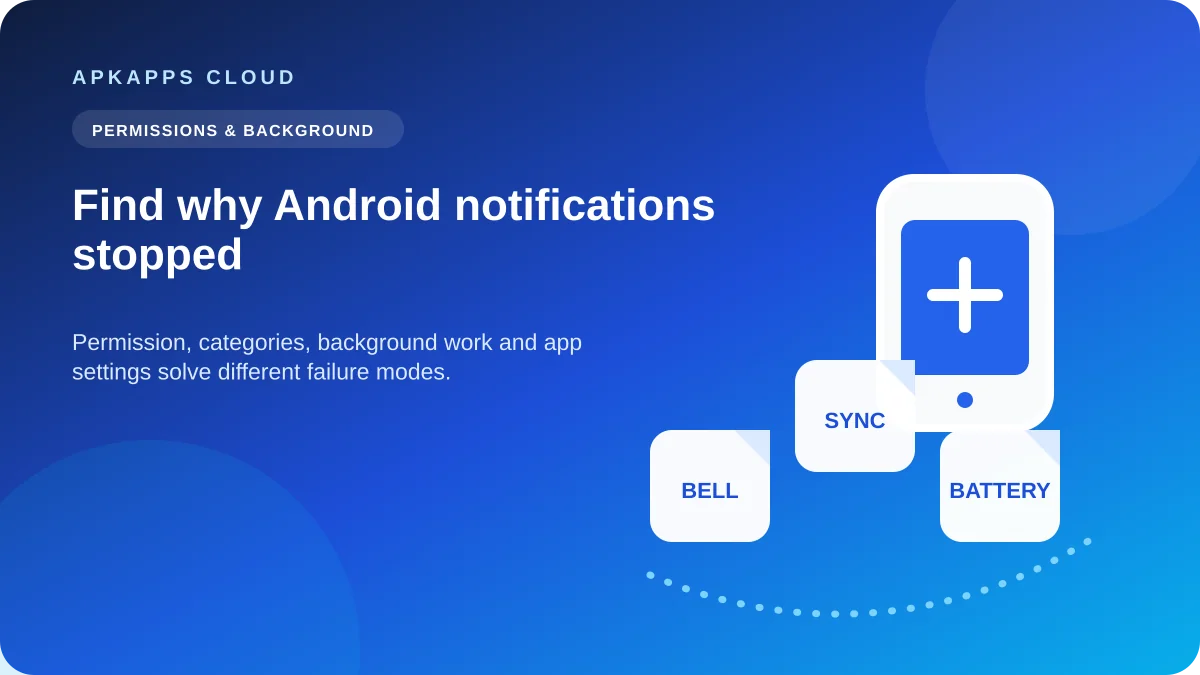
Notifications can be enabled while reminders still fail because of notification categories, battery restrictions, background limits, app settings, force stop or manufacturer-specific controls.
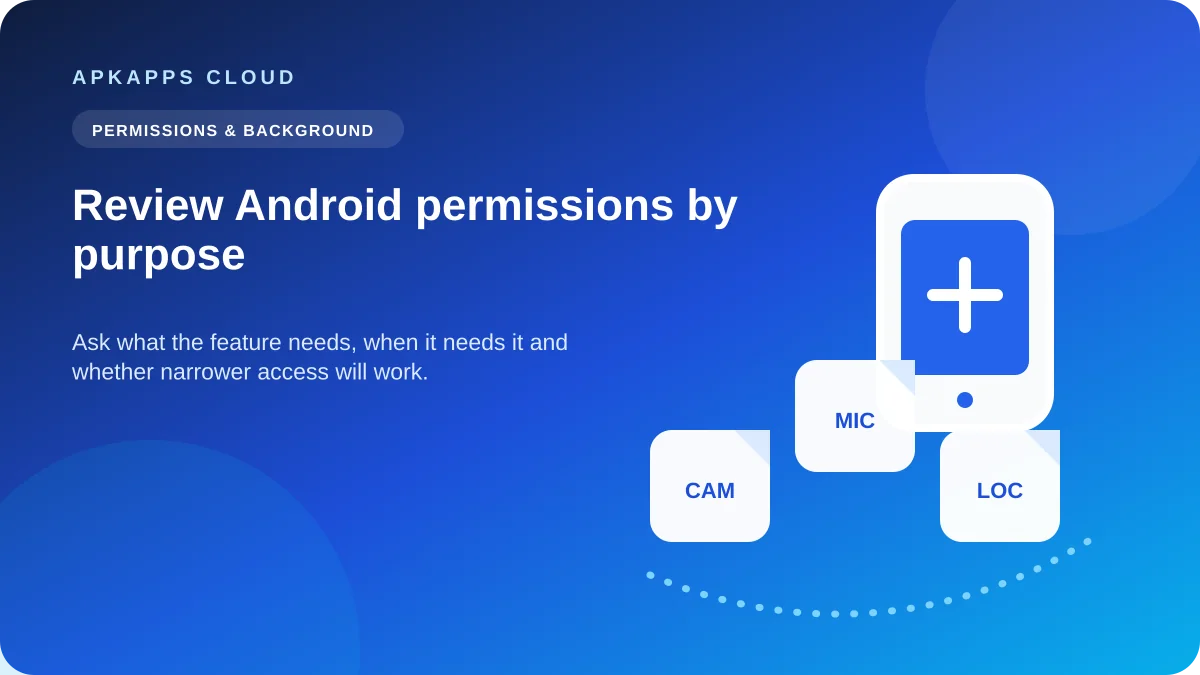
Review permissions by asking whether each capability matches the app’s job, choosing the narrowest access that still works, and checking the privacy dashboard after use.
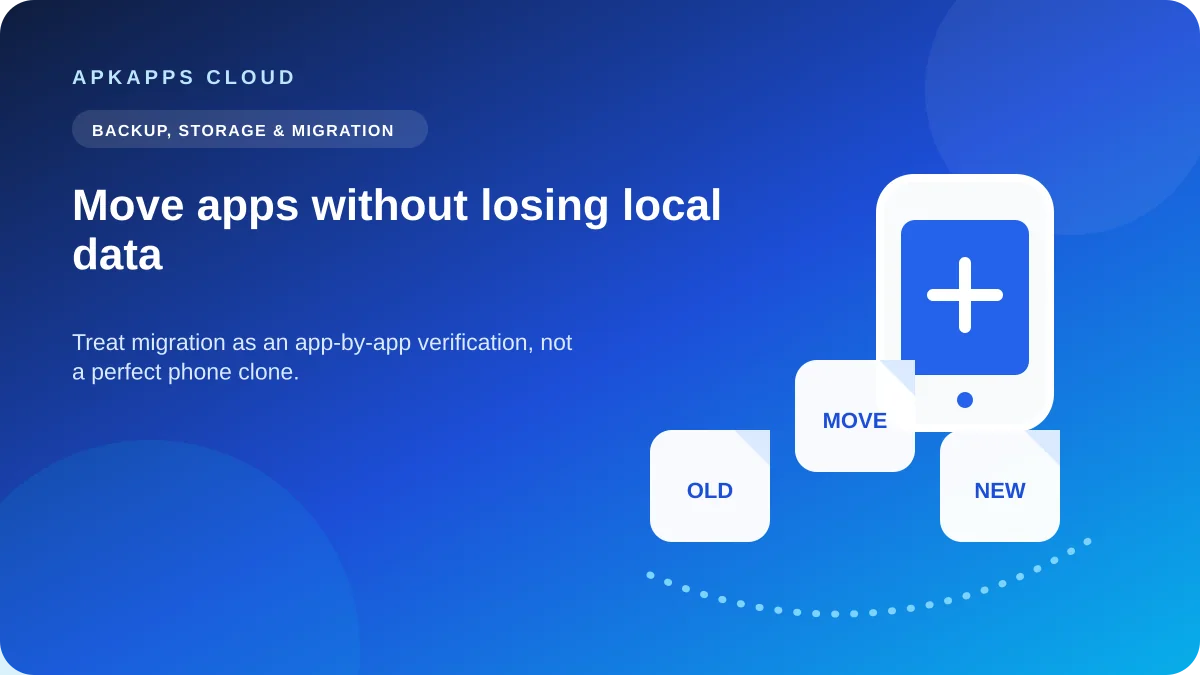
Moving to a new Android phone can reinstall apps and restore supported data, but local-only files, logins, offline downloads and excluded app data may need separate handling.
Android can back up supported app data, but developers control important backup behavior and some local files, cache, accounts and oversized datasets may not return.

Clearing cache removes temporary files; clearing app storage/data is much more destructive and can erase local databases, settings, downloads and sign-in state.
Google Play can hide or block an app because of Android version, hardware requirements, developer device targeting, country availability, certification or other compatibility rules.
App compatibility depends on more than the Android version shown in Settings. Learn how OS level, CPU architecture, device features and package type combine.